
Premium Level 1 and Level 2
All our extensions are free. Premium adds features to all of them, in two levels: Premium Level 1 is free when 3 of our extensions are installed in the same browser, and Premium Level 2 is €20 a year or €50 once, for all our extensions in Chrome, Edge and Firefox.
To see your level or buy Level 2, open any of our extensions, then the menu, then Premium Features.
Every extension with its standard features.
Free when 3 of our extensions are installed in this browser. It works in all our extensions in that browser.
Everything, in all our extensions, in Chrome, Edge and Firefox, with one purchase. No pop-ups or promotions.
Premium Level 1 · free
Install 3 of our extensions in the same browser and these features open in all of them.
Theme – Skin Color
Give the window a different look: Dark, Invert, Grey scale 50% or 100%, Hue Rotate 120° or 240°, Saturate, Sepia or Blur. It's a layer over the site, so the site itself doesn't change, and None takes it off again.
Window screenshots
One click on the camera button at the bottom right saves a picture of the whole window, with no other software.
Window video recording, up to 10 minutes
Record the window as a video: pick 5 s, 15 s, 30 s or your own time, up to 10 minutes. Click the button again to stop.
Multi Window – Account
Open a second window of the same extension. New Window & Account opens it in a private window with its own login, so you can use two accounts at the same time.
Premium Level 2 · €20 a year or €50 once
Everything in Level 1, plus:
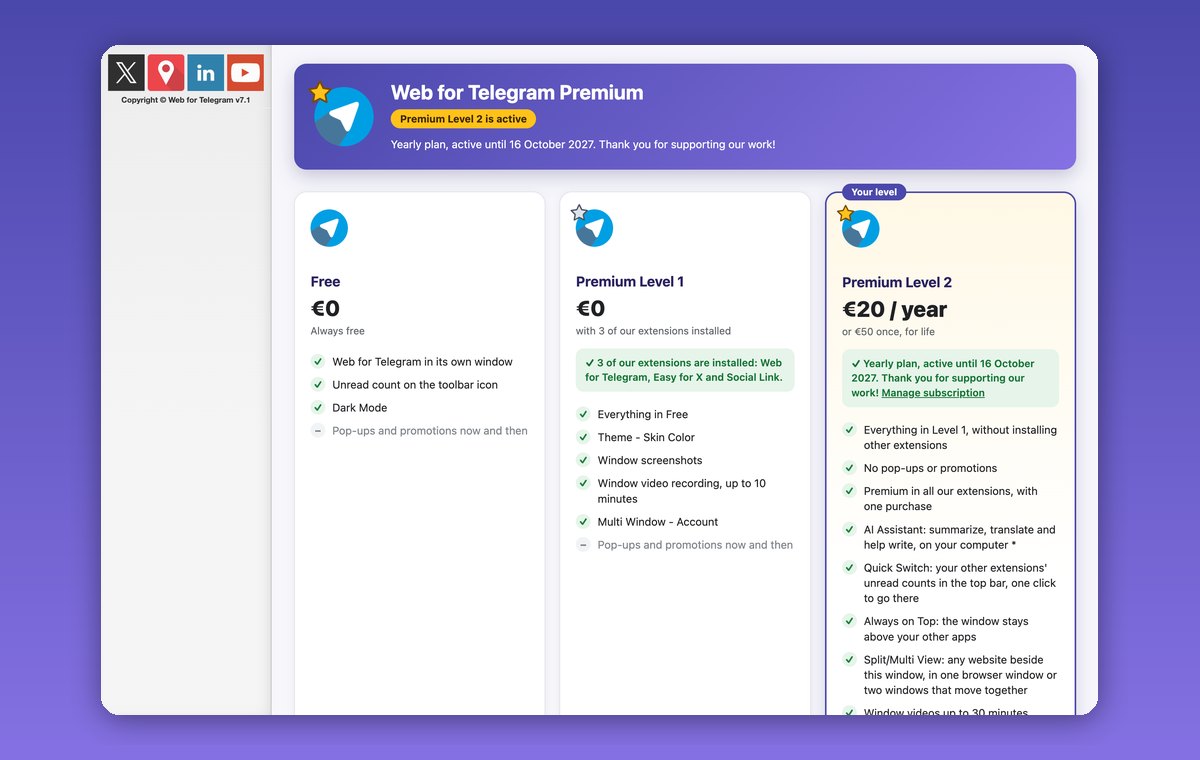
Everything in Level 1, in all our extensions and all browsers
One purchase unlocks Premium in every one of our extensions, in Chrome, Edge and Firefox, without installing other extensions. Install a new extension of ours and it's Premium straight away.
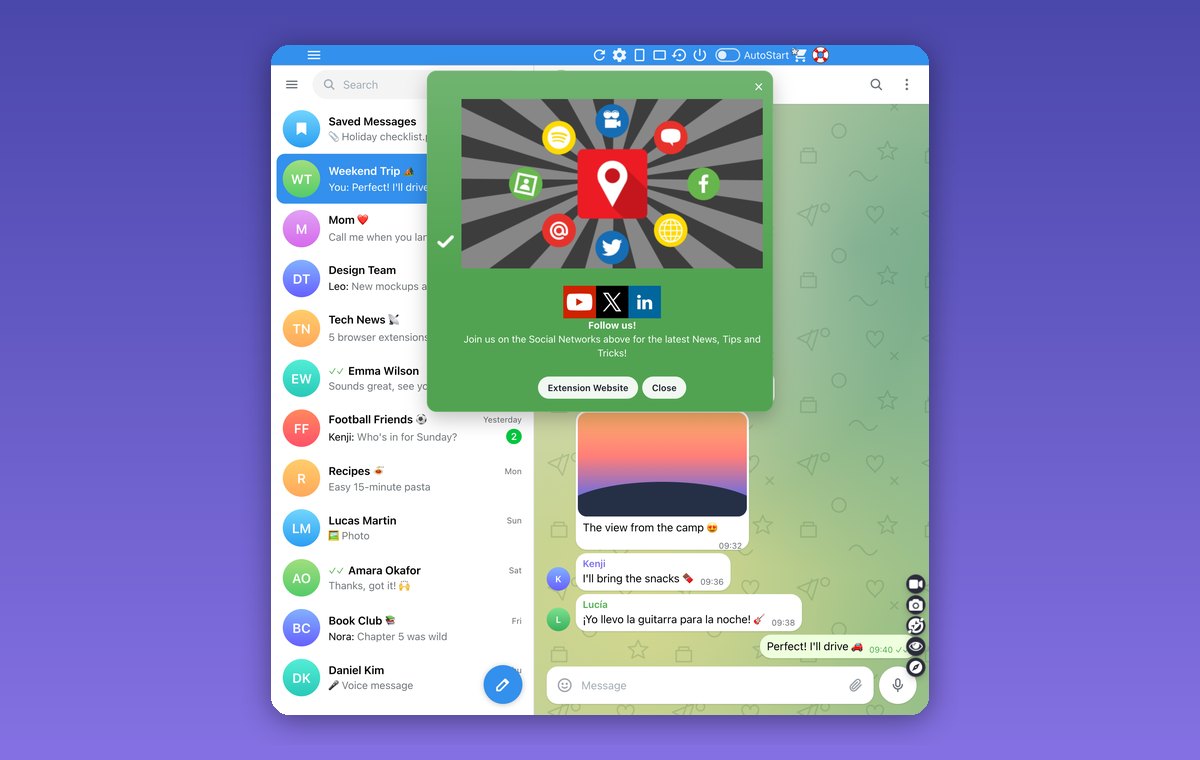
No pop-ups or promotions
No reminders to install our other extensions, no news or tips windows: just the site you opened.
AI Assistant: summarize, translate and help write, on your computer
Summarize the selected text or the whole page, translate it into your language, or ask it to write a message for you, then copy or insert it. It runs on your own computer: what you read and write isn't sent to us or to an AI service. It uses the AI built into Google Chrome 138 or newer, on your own computer: Windows 10 or 11, macOS 13 or newer, Linux or ChromeOS, 22 GB of free disk space and 16 GB of memory with 4 processor cores (or a graphics card with more than 4 GB). The AI model downloads once, about 4 GB, the first time you use it. Chat Multi Messenger has no AI Assistant.
Quick Switch
The unread counts of your other extensions' windows show in the top bar. One click on an icon takes you to that window. You choose which extensions show there.
Always on Top
The window stays above your other apps, even when you click somewhere else: keep a chat or a feed in view while you work. Web for Telegram and Chat and Meet for Google can't do it, because their sites don't allow it.
Split/Multi View
Put another site beside the extension's window: one of its own sites from the list (in Multi AI Sidebar another AI) or any website you type. Split View puts the two side by side in one browser window. Multi View opens a second window on the right; move or resize either one and the other follows, and Swap sides changes them over.
Window videos up to 30 minutes
Window video recording goes up to 30 minutes instead of 10.
Also in Premium Level 2
- New Premium features included, as they come.
- Early access to new features.
- Priority support by email: contact@wwevents.fun.
Questions
Which extensions have Premium?
All our extensions. Some features depend on what the extension shows: a popup such as Emoji Keyboard has no window to record, for example.
How do I buy Premium Level 2?
In any of our extensions: open the menu, then Premium Features, and choose €20 a year or €50 once. The payment opens on Stripe’s secure page, and Premium turns on a few seconds after you pay. It’s sold by WWEvents, not by the browser’s store.
Does one purchase work in my other browsers?
Yes. Level 2 works in all our extensions in Chrome, Edge and Firefox. In another browser or on another computer, open Premium Features, click Already paid? Restore your purchase, enter the email you paid with, and type the 6-digit code we send to it.
Refunds and privacy
See the terms of sale and refunds and the privacy policy.