
Bitcoin Crypto News · Browser Extension 💻 Win/Mac/Linux
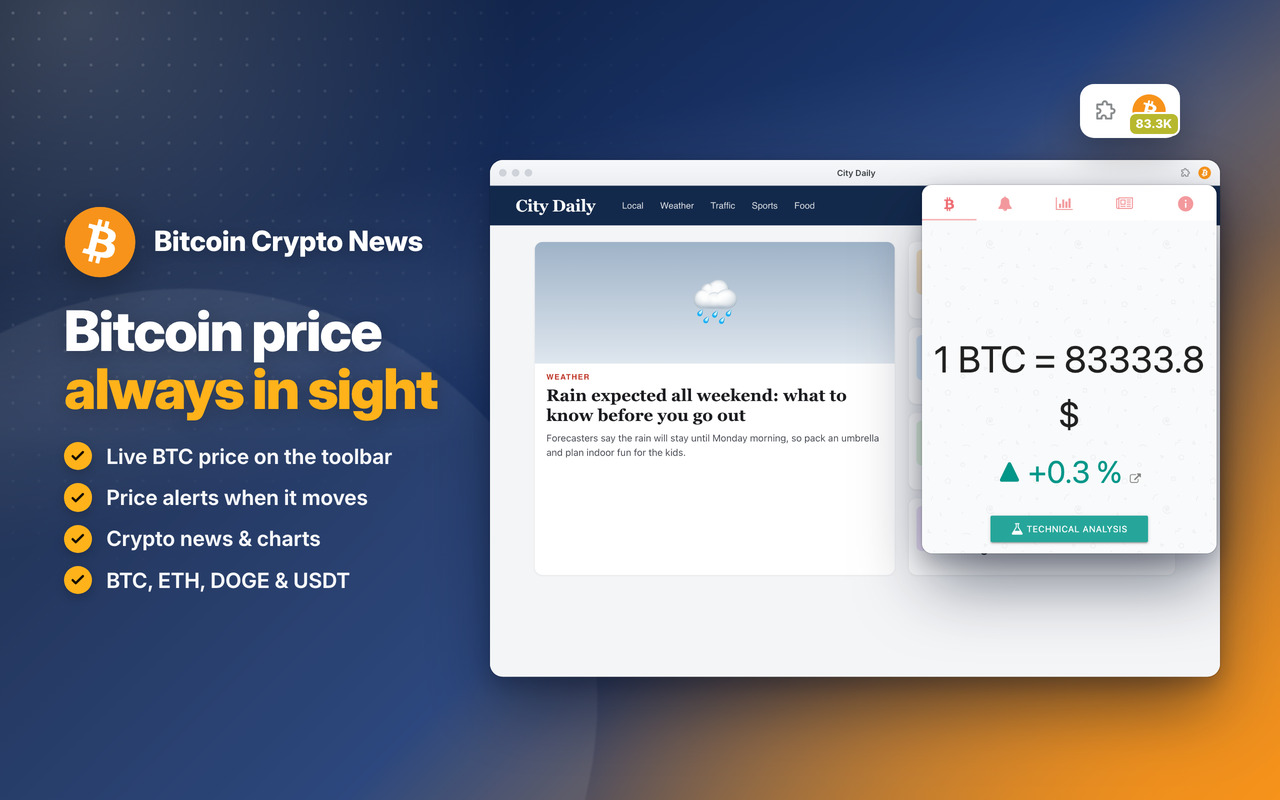
Bitcoin 🤑
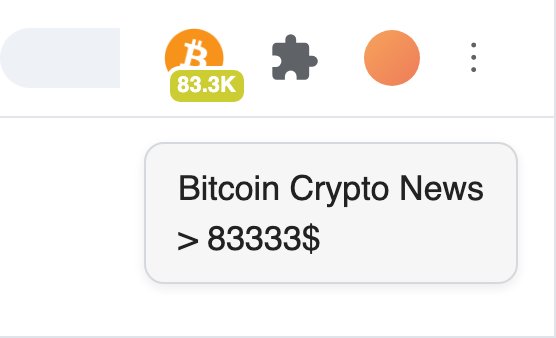
The live Bitcoin price and its % change, always in sight on the toolbar icon (for example 83.3K) 💶
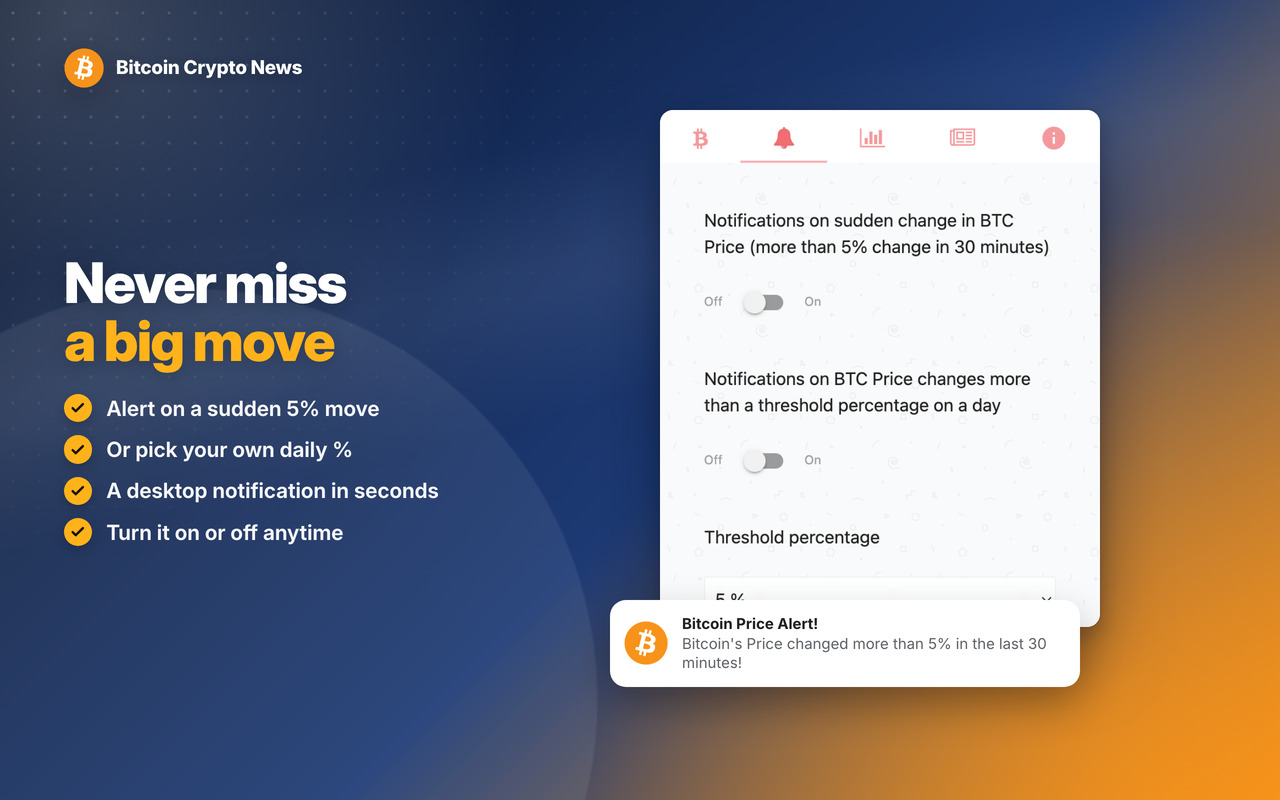
Notifications 💰
A desktop notification on a sudden change, or when the daily change passes your own % 📡
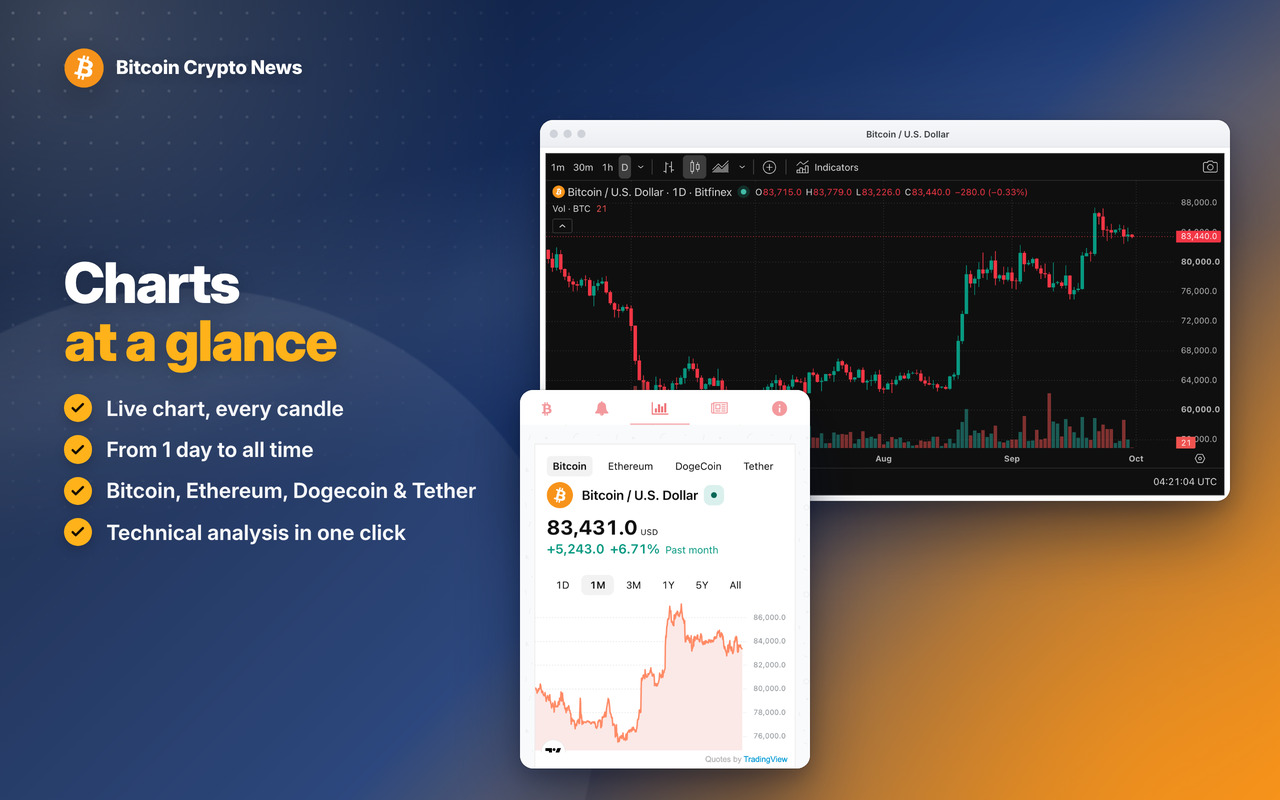
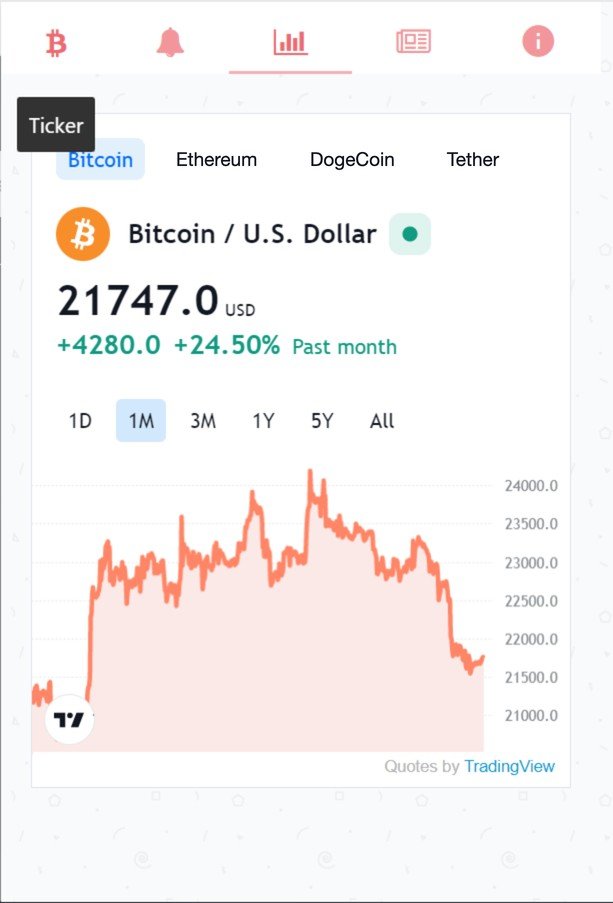
Charts 💎
BTC, Ethereum, DogeCoin and Tether charts by TradingView, from 1 day to all time 🌃
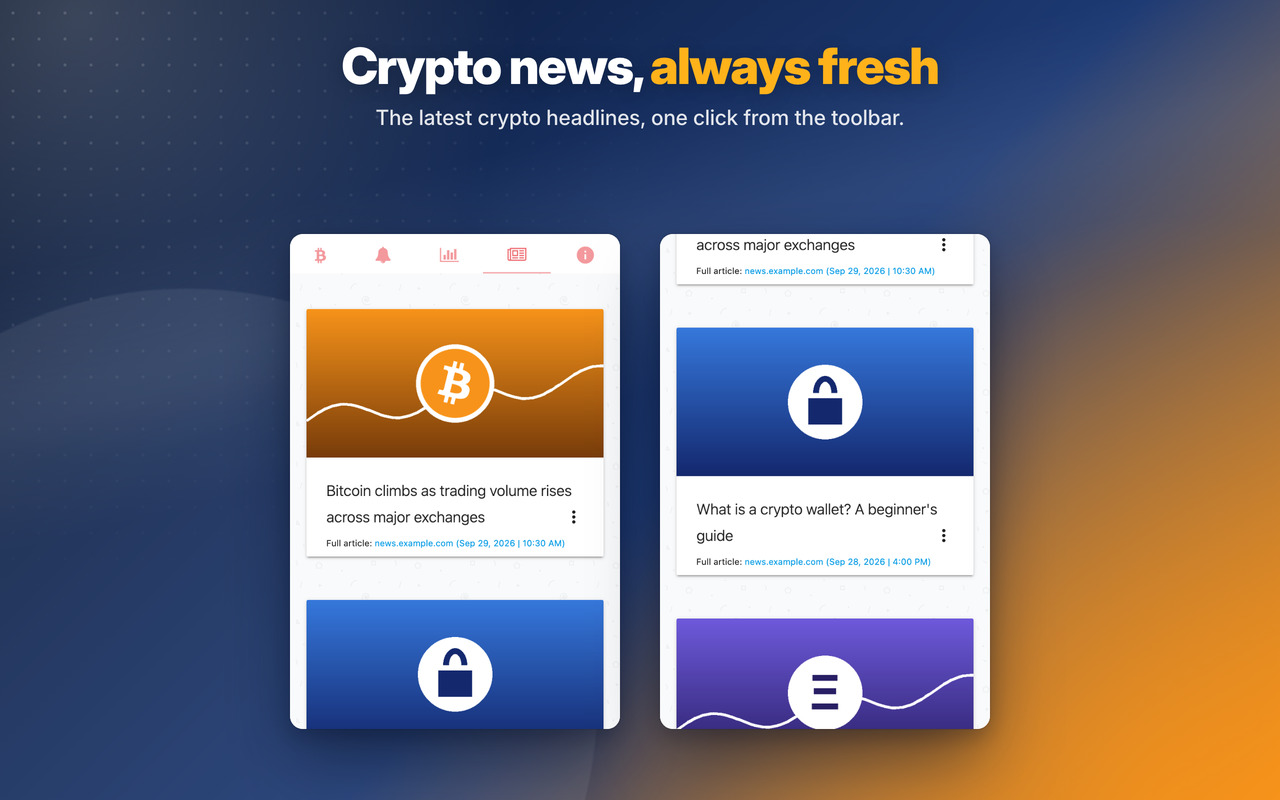
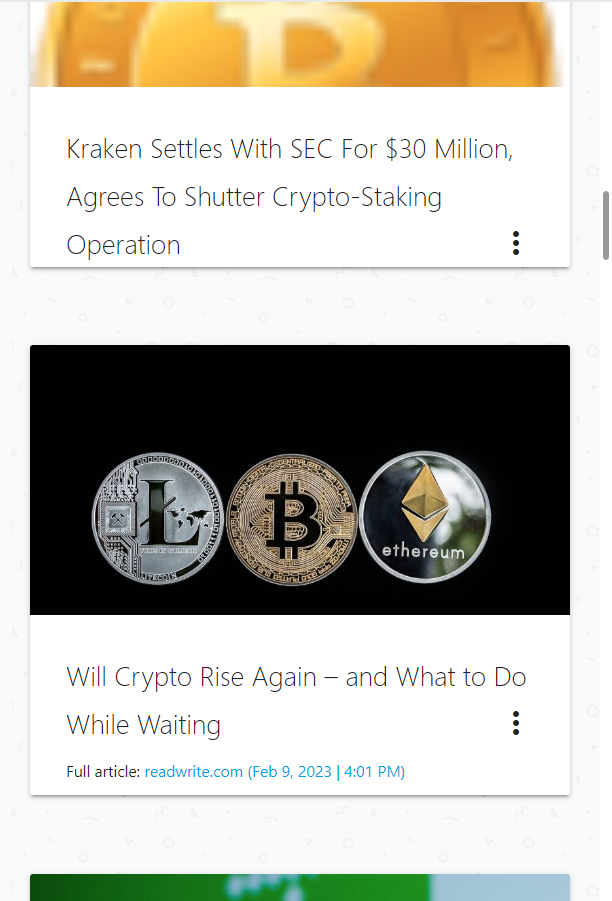
News 🔎
The latest crypto headlines right in the popup, and the full article in one click 😱
Real-time non-intrusive notifications in the App icon
Charts
Trending News
Bitcoin Crypto News
Changelog
v6.0 - 07/10/2026
🐞 News & Tips: the Next button shows the next message again (it was empty)
🐞 Right-click menu reads “Open Bitcoin Crypto News” (the space was missing)
🐞 News & Tips messages show at most once a day
✨ NEW modern look for the messages: rounded, with a soft shadow and round buttons
🔒 Security improvements and no more warnings on the extension’s Errors page
🐞 Right-click menu reads “Open Bitcoin Crypto News” (the space was missing)
🐞 News & Tips messages show at most once a day
✨ NEW modern look for the messages: rounded, with a soft shadow and round buttons
🔒 Security improvements and no more warnings on the extension’s Errors page
OLDER
v5.7 – 23/03/2025
🤑 Changed APIs to get Bitcoin price
v5.6 – 03/06/2024
⚡ Updated Jquery from 3.6.4 to 3.7.1
⚡ Updated introJS from 6.0.0 to 7.2.0
v5.5 – 26/03/2024
🔗 Fixed Chrome links for the new WebStore Link format from chrome.google.com/webstore to chromewebstore.google.com => https://chromewebstore.google.com/detail/ikkmichlmkbmfmbhjiegnbiobnglhjjc
🥇 Badge with Bitcoin price on the Extension icon now in Gold color
📊 Updated Chart to monitor: Bitcoin, Etherum, Dogecoin, Tether, Solana
🐞 Some bugfixes and improvements
v5.4 – 06/02/2024
🚨 Bugfixes and performance updates
v5.3 – 27/03/2023
🚧 Updated Jquery library to v3.6.4
🚨 Updated IntroJs library to v6.0.0
😁 Updated Jquery-ContextMenu library to v2.9.2
💬 Updated Toastr library to v2.1.4
v5.2 – 13/10/2022
🧊 First release.
🤑 Changed APIs to get Bitcoin price
v5.6 – 03/06/2024
⚡ Updated Jquery from 3.6.4 to 3.7.1
⚡ Updated introJS from 6.0.0 to 7.2.0
v5.5 – 26/03/2024
🔗 Fixed Chrome links for the new WebStore Link format from chrome.google.com/webstore to chromewebstore.google.com => https://chromewebstore.google.com/detail/ikkmichlmkbmfmbhjiegnbiobnglhjjc
🥇 Badge with Bitcoin price on the Extension icon now in Gold color
📊 Updated Chart to monitor: Bitcoin, Etherum, Dogecoin, Tether, Solana
🐞 Some bugfixes and improvements
v5.4 – 06/02/2024
🚨 Bugfixes and performance updates
v5.3 – 27/03/2023
🚧 Updated Jquery library to v3.6.4
🚨 Updated IntroJs library to v6.0.0
😁 Updated Jquery-ContextMenu library to v2.9.2
💬 Updated Toastr library to v2.1.4
v5.2 – 13/10/2022
🧊 First release.