
Easy Computer Cleaner · Browser Extension 💻 Win/Mac/Linux
Easy Computer Cleaner 📌
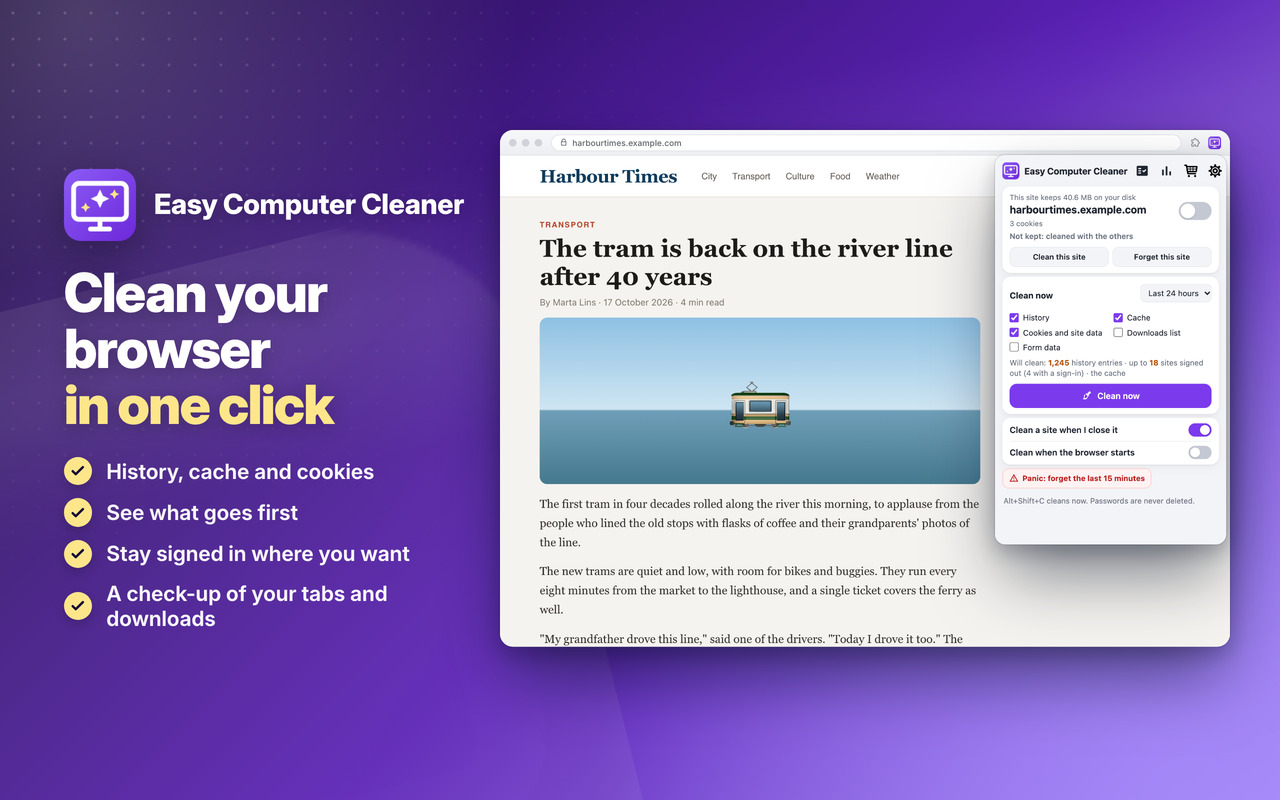
See before you clean 👀
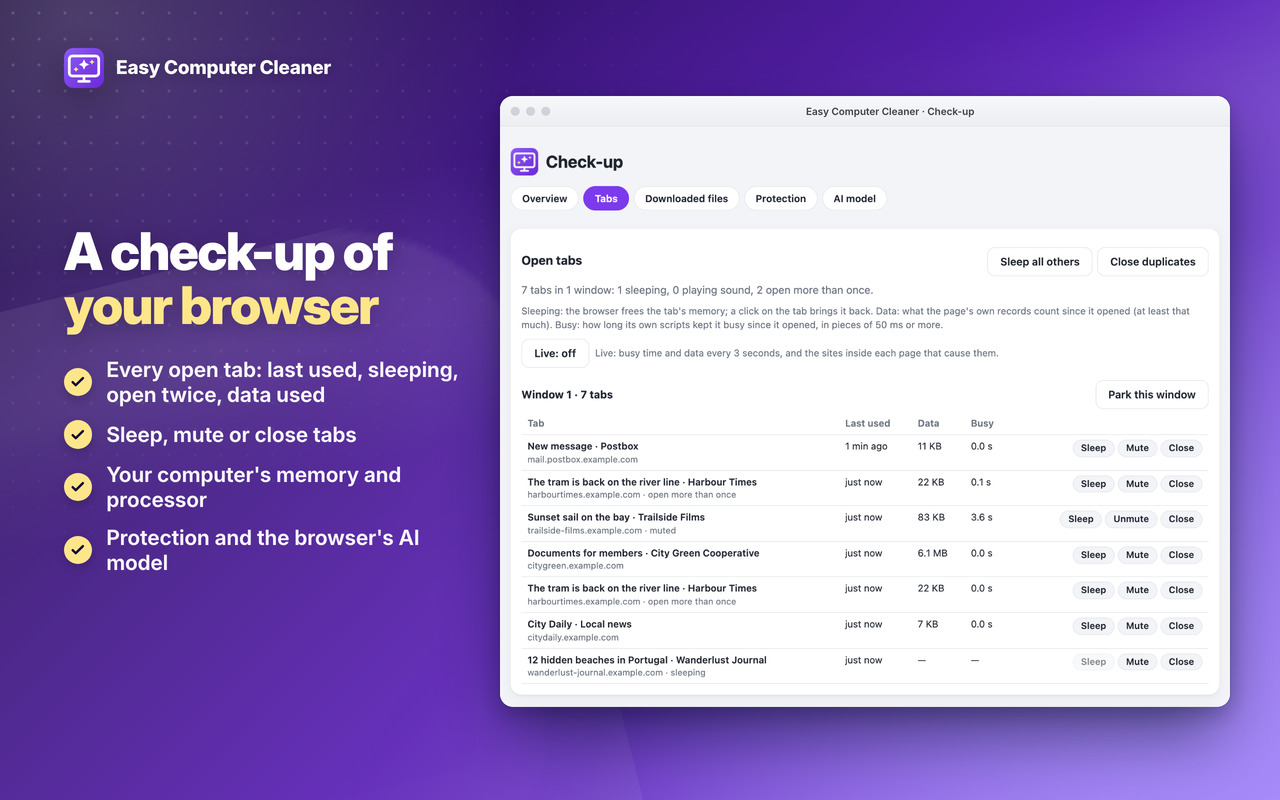
Check-up 🔎
Private 🔒
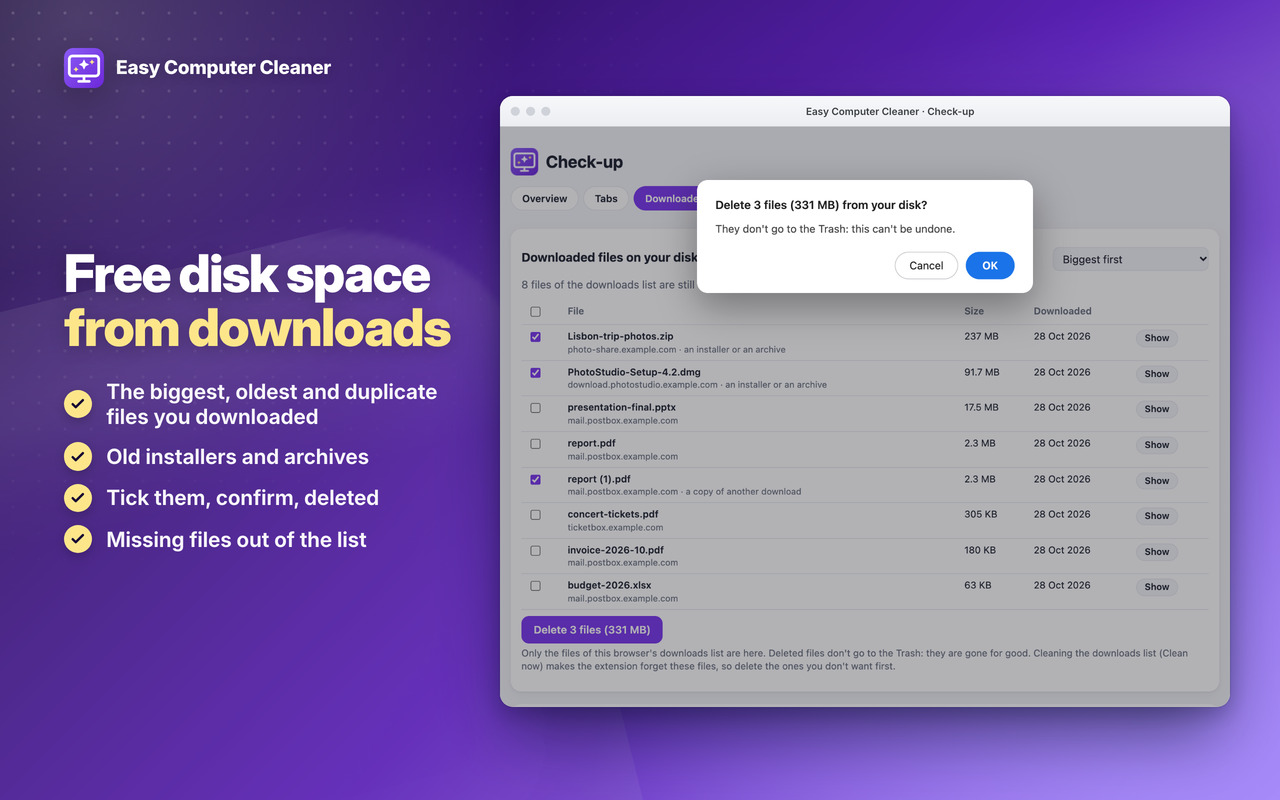
Free disk space from downloads
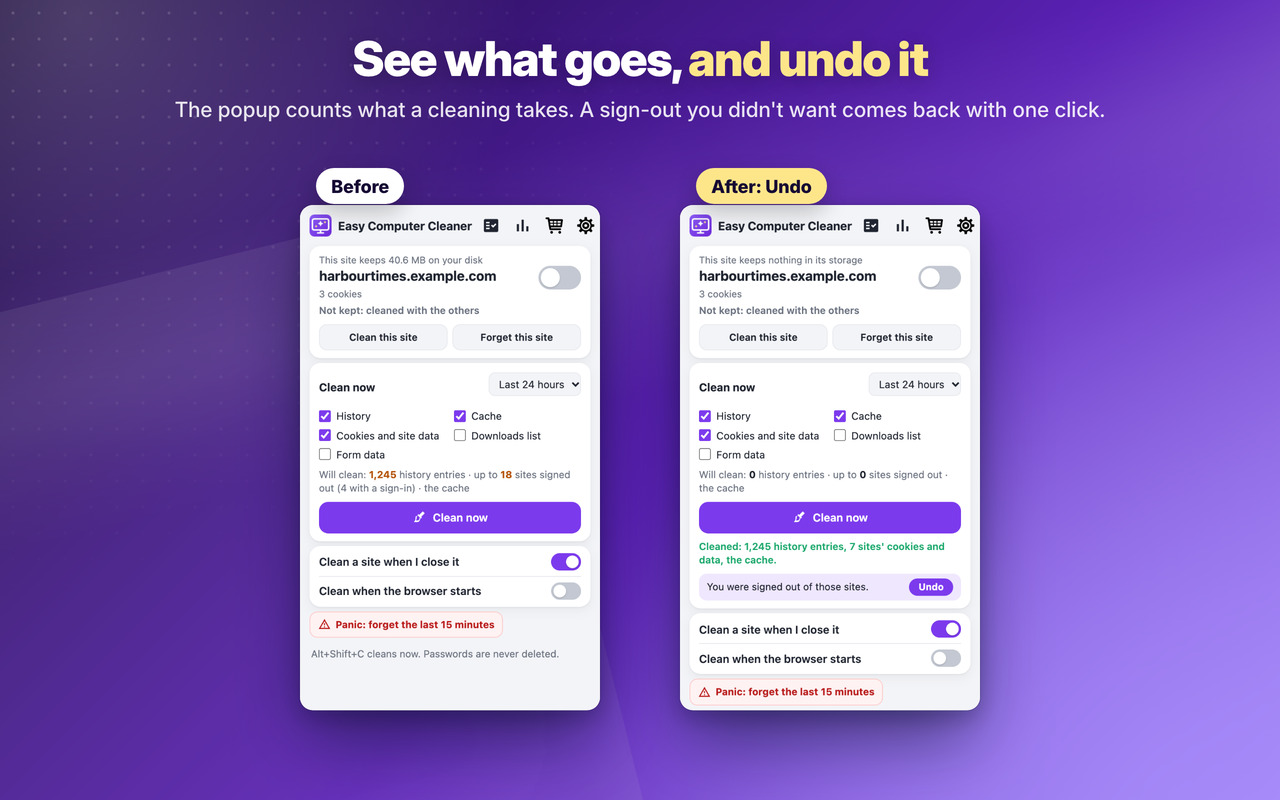
See what goes, and undo it
A check-up of your browser
Download
Easy Computer Cleaner
Two levels, in all our extensions: Premium Level 1 is free with any 3 of them installed, Premium Level 2 is €20 a year or €50 once.
Checkout shows the price in your own currency. Then, on the Premium page of any of our extensions (Premium Features in its menu, or its cart icon), click Already paid? Restore your purchase.
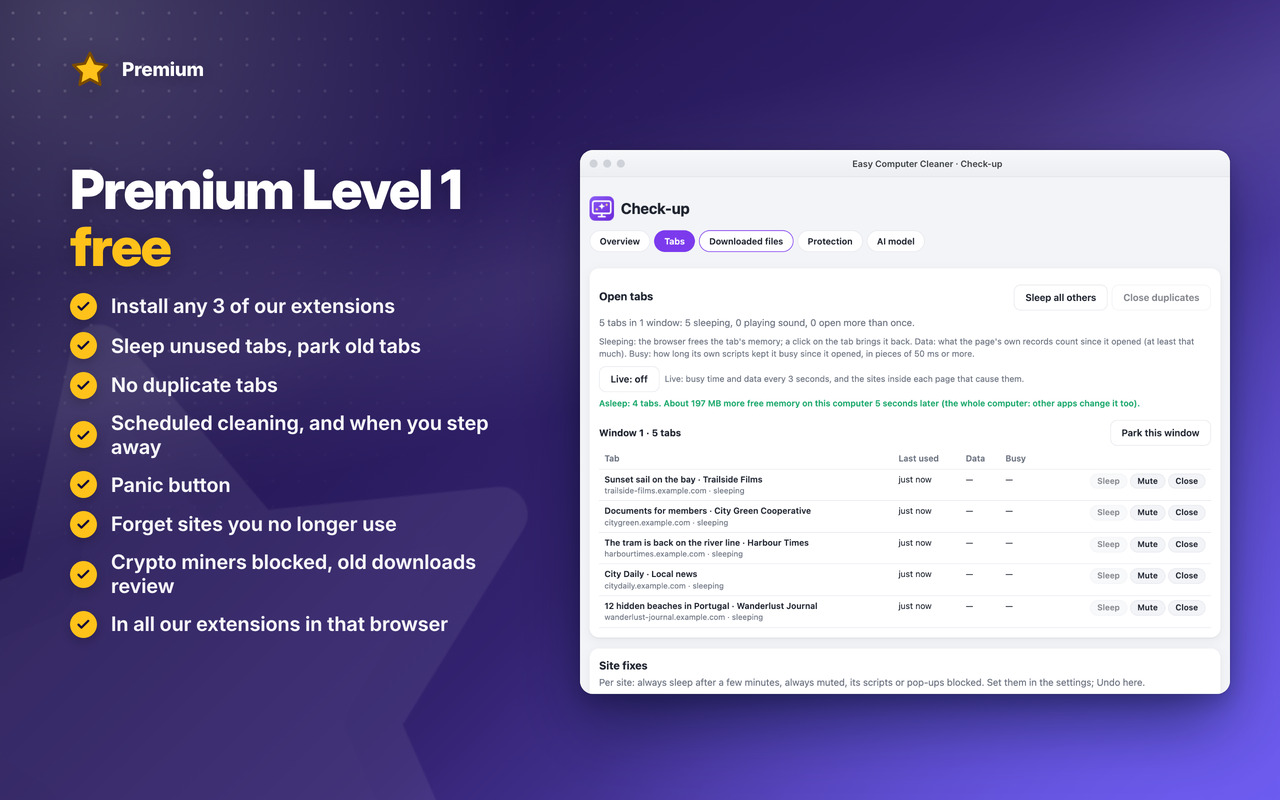
Premium Level 1 · free
With any 3 of our extensions installed, in that browser:
- Scheduled cleaning
- Clean when you step away
- Panic button
- Rules per site
- History rules
- Downloads list rule
- Themes
- Backup & restore
- Sleep unused tabs
- Park old tabs
- No duplicate tabs
- Keep history only for a while
- Forget sites you no longer use
- Site permissions clean-up
- Block crypto miners
- Old downloads review
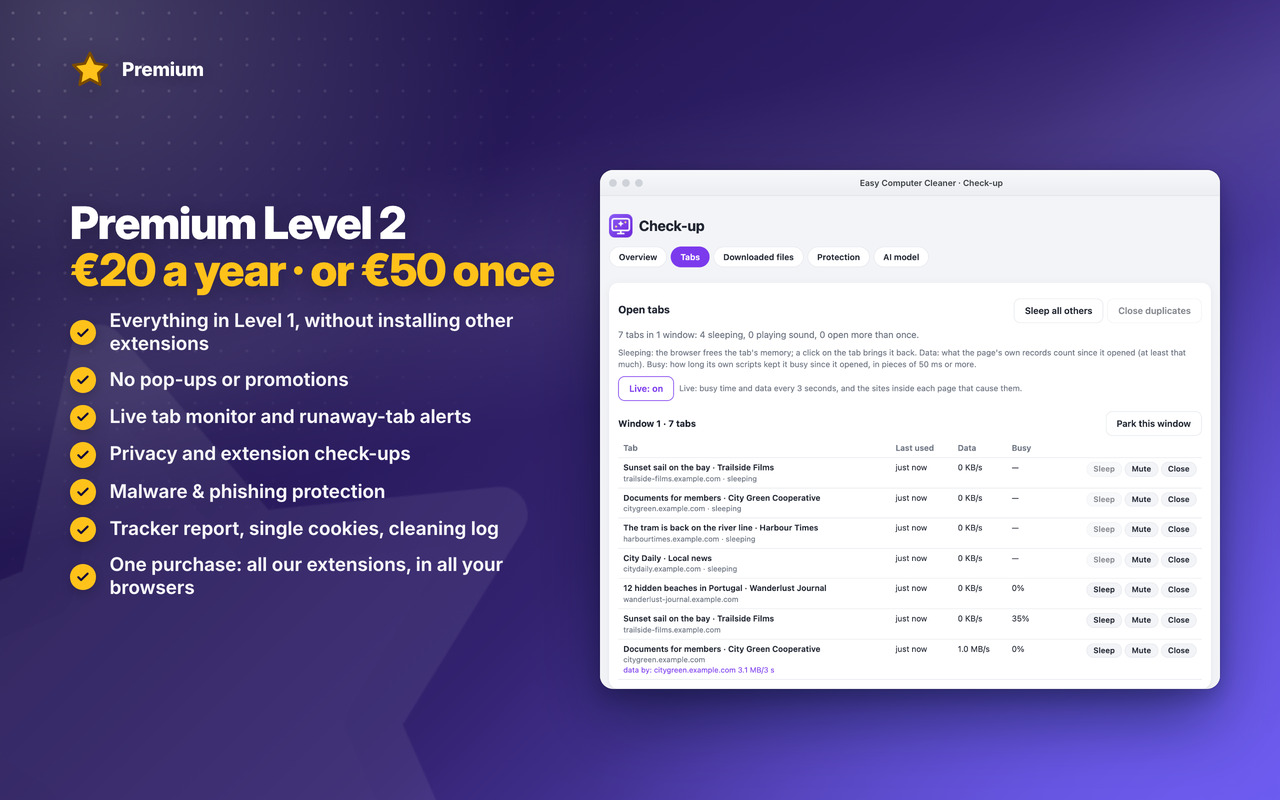
Premium Level 2 · €20 a year or €50 once
- Everything in Level 1, without installing other extensions
- No pop-ups or promotions
- Tracker report
- Keep single cookies
- Cleaning log with undo
- Live tab monitor
- Runaway-tab alerts
- Site fixes
- Privacy check-up
- Extension check-up
- Malware & phishing protection
- Premium in all our extensions, in Chrome, Edge and Firefox, with one purchase
- Early access to new features
- Priority support by email
- New Premium features included
Changelog
v1.2 31/10/2026
🔎 NEW Check-up: your open tabs, the downloaded files on your disk, protection and the browser’s AI model, on one page
💽 Free disk space: the biggest, oldest and duplicate files you downloaded, deleted after your confirmation
📑 Tab check-up: last used, sleeping, sound, open twice, data used and busy time; sleep, mute or close them
📏 This site’s size in the popup, next to Clean this site
⭐ NEW Premium Level 1: sleep unused tabs, park old tabs, no duplicate tabs, keep history only for a while, forget unused sites, site permissions clean-up, crypto miners blocked, old downloads review
👑 NEW Premium Level 2: live tab monitor, runaway-tab alerts, site fixes, privacy and extension check-ups, malware & phishing protection
OLDER
v1.0 28/10/2026
🎉 First version: history, cache, cookies and site data, the downloads list and form data cleaned in one click, for the time you choose
👀 See what goes before you clean, and undo a sign-out you didn’t want
✅ Stay signed in where you want: an unlimited list of kept sites, with suggestions
🍪 Cookie banners stay answered: your accept / reject choices are kept
🎯 Clean this site, or forget it completely, also its hidden cookies
🔄 Automatic: a site when you close its last tab, when the browser starts, when it closes
⭐ Premium Level 1: scheduled cleaning, when you step away, panic button, rules per site, history and downloads list rules, backup, themes
👑 Premium Level 2: tracker report, keep single cookies, cleaning log with Undo