Easy Video Downloader · Browser Extension 💻 Win/Mac/Linux
Easy Video Downloader 📌

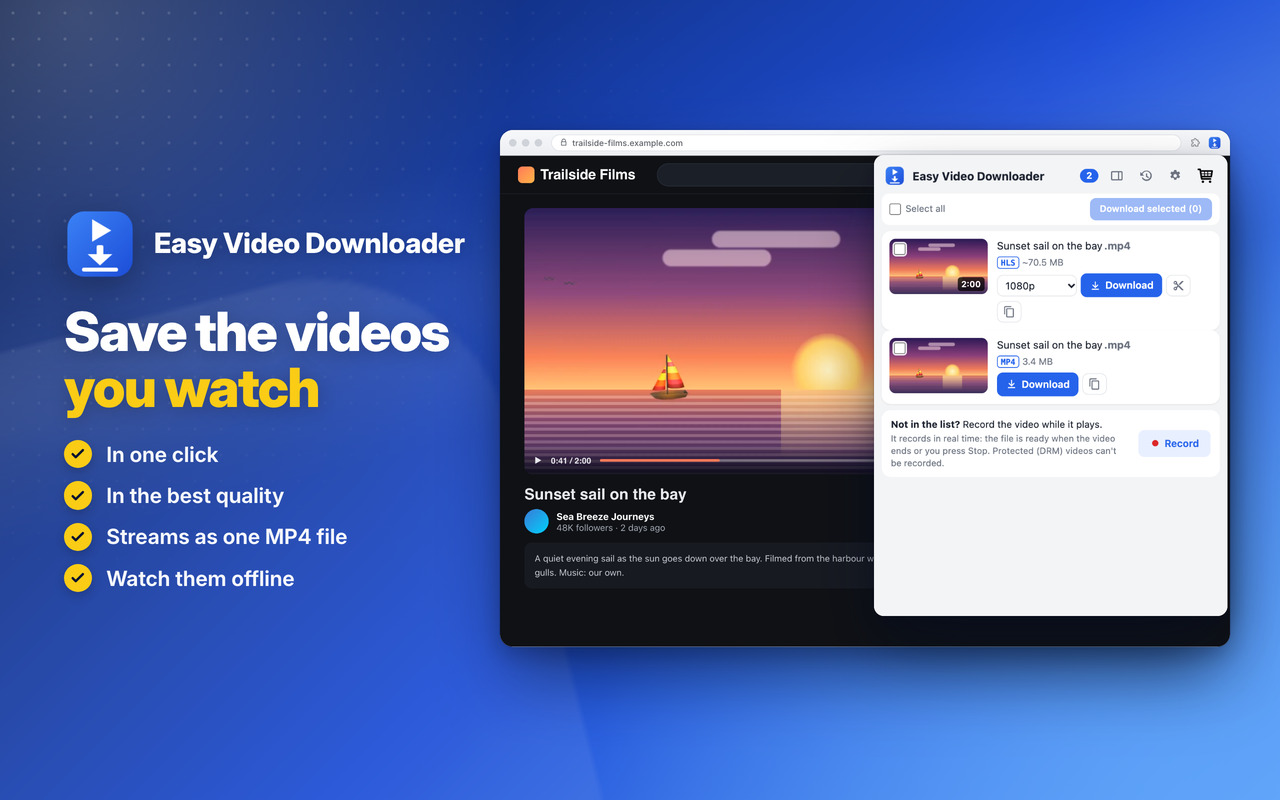
Save the videos you watch, in one click 📌 in the best quality: files and streams (HLS and DASH) saved as one MP4 file 🚨

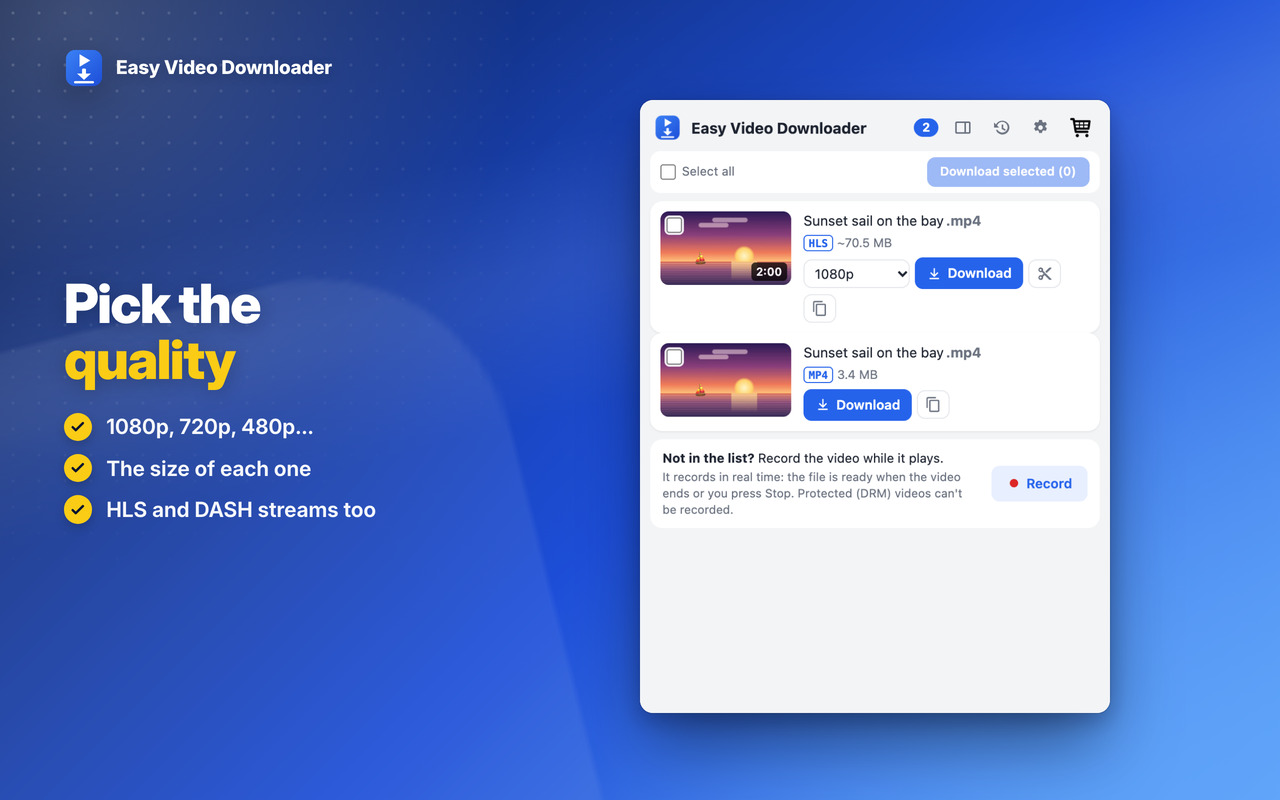
Pick the quality 📐

1080p, 720p, 480p… with the size of each, and the sound in the same file 🎞️

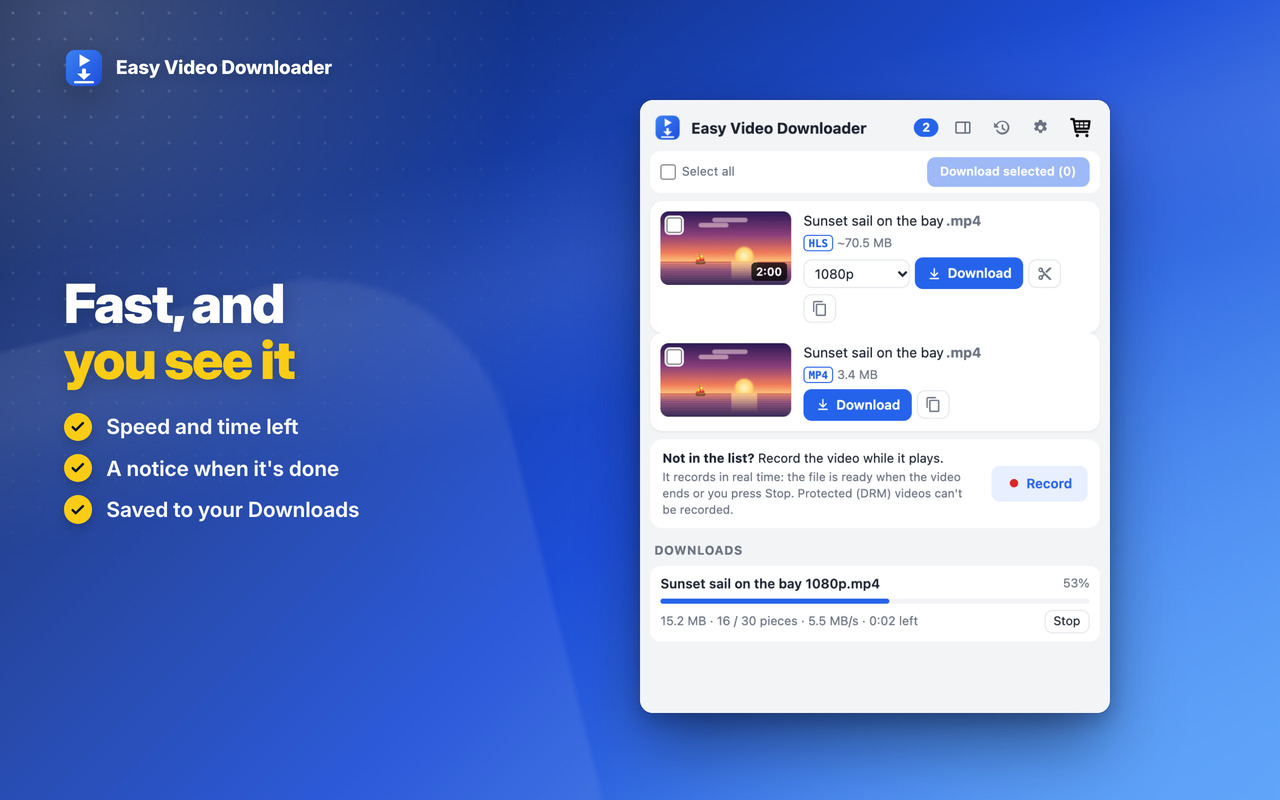
Fast, and you see it 🚀

Speed and time left, a notice when it's done, and the downloads history: open, show in folder, search 📚

Private 🔒

Everything happens on your computer: no server in the middle, no account. YouTube isn't supported, as the stores ask ℹ️


Pick the quality

Choose the quality before saving, then see the speed and time left while it downloads ⚡
Easy Video Downloader: Pick the quality

Save the videos you watch

In one click and in the best quality: files, HLS and DASH streams saved as one MP4 file 🎬
Easy Video Downloader: Save the videos you watch

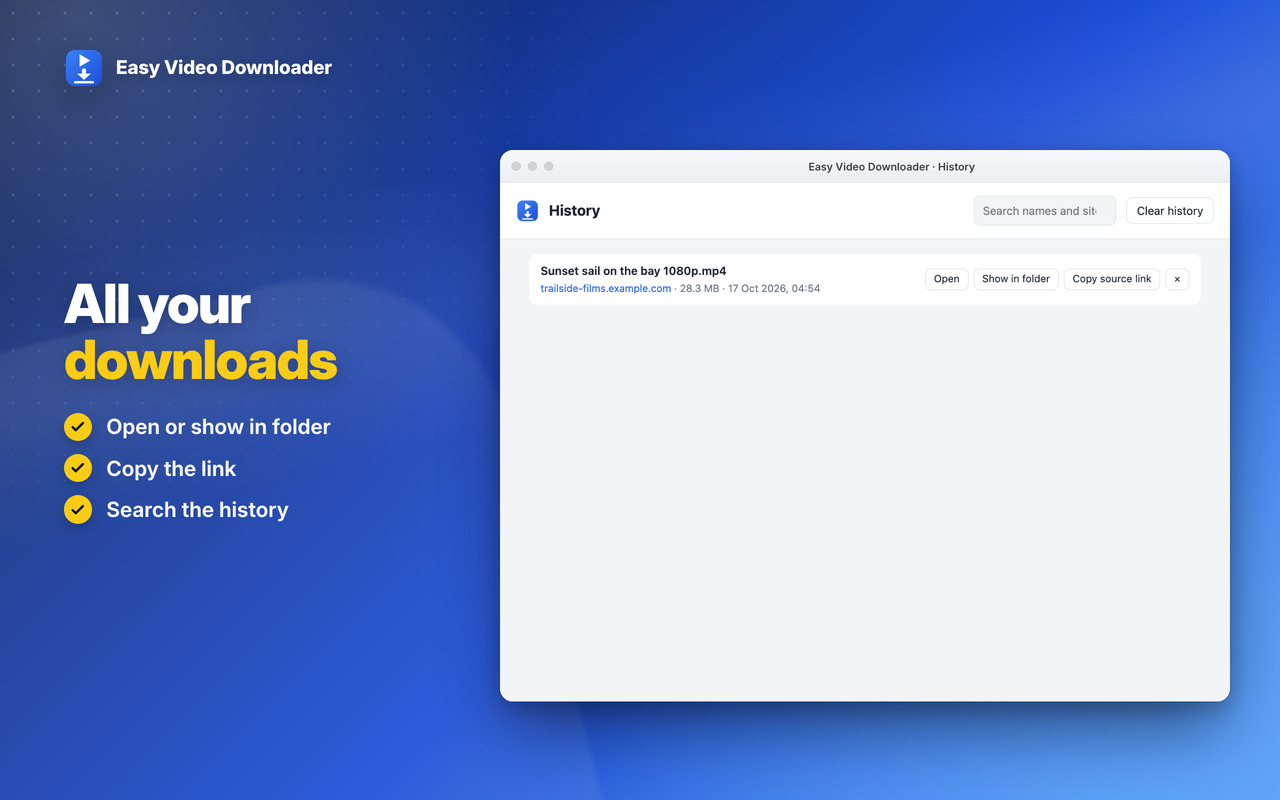
All your downloads

Open a video or show it in its folder, copy its link and search your download history 📚
Easy Video Downloader: All your downloads

Download

The extension is not responsible for the content downloaded by users, so please check the copyright and permissions before downloading.
Easy Video Downloader

Visit the WebStore, Webstore

Easy Video Downloader

Visit the Add-ons, Add-ons

Easy Video Downloader

Visit the Add-ons, Add-ons

Easy Video Downloader

Premium

Two levels, in all our extensions: Premium Level 1 is free with any 3 of them installed, Premium Level 2 is €20 a year or €50 once.

Checkout shows the price in your own currency. Then, on the Premium page of any of our extensions (Premium Features in its menu, or its cart icon), click Already paid? Restore your purchase.
Premium Level 1

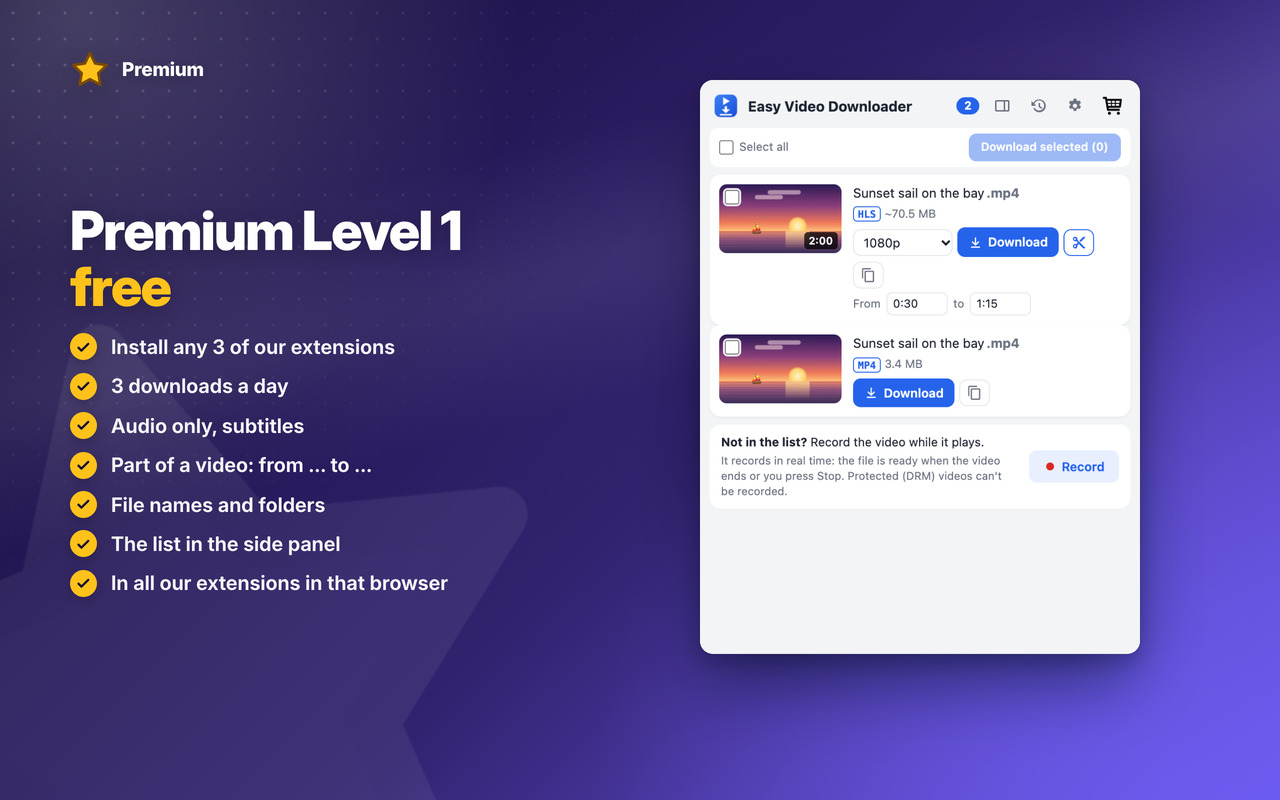
Premium Level 1 · free

With any 3 of our extensions installed, in that browser:

  • 3 downloads a day
  • Audio only
  • Subtitles
  • Part of a video
  • File name templates
  • Sub-folder
  • Ask where to save each file
  • Side panel
Premium Level 2

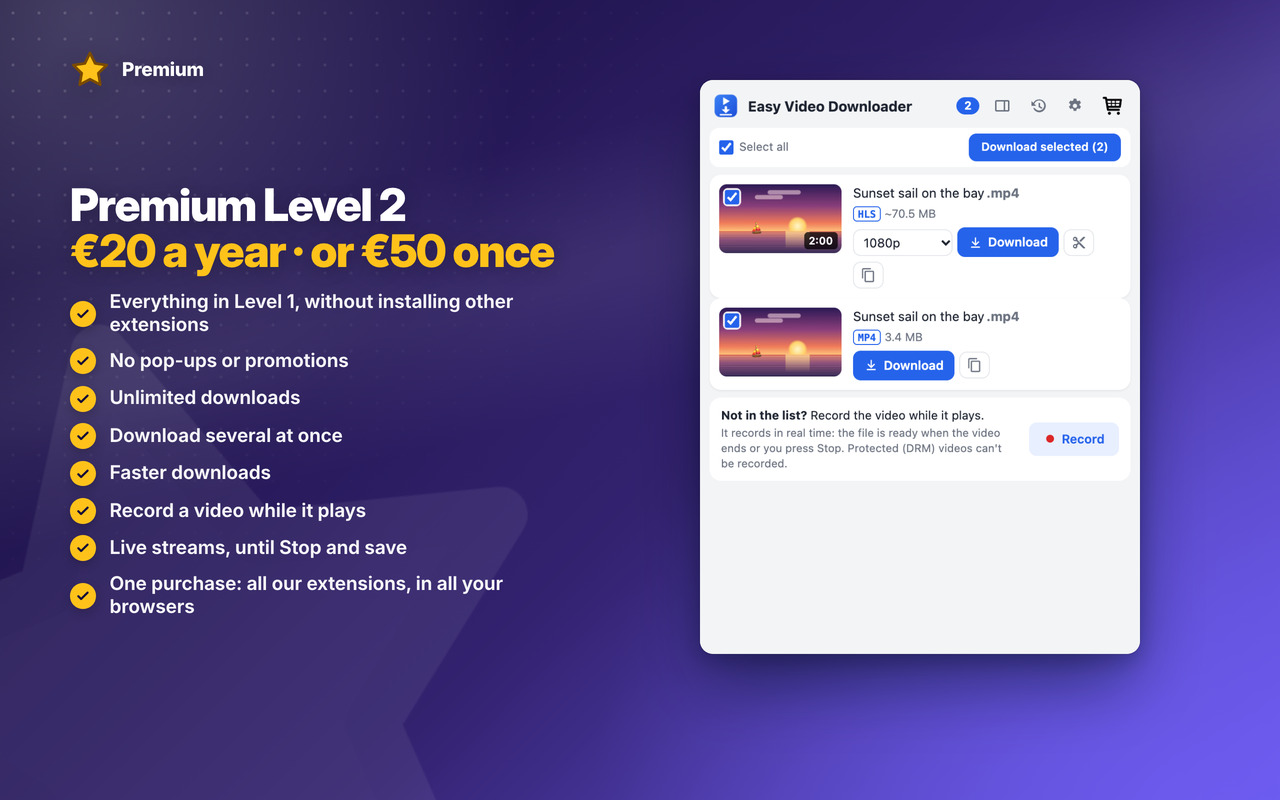
Premium Level 2 · €20 a year or €50 once

  • Everything in Level 1, without installing other extensions
  • No pop-ups or promotions
  • Unlimited downloads
  • Download several
  • Faster downloads
  • Record a video
  • Live streams
  • Premium in all our extensions, in Chrome, Edge and Firefox, with one purchase
  • Early access to new features
  • Priority support by email
  • New Premium features included
Audio only
Part of a video
Record a video

See all Easy Video Downloader Premium features →


Changelog

v1.4 05/11/2026

🎬 Pages with many videos (feeds): each video has its own name and picture, ▶ Playing on the one that plays, and its picture shows it on the page
🧩 One entry per video: a stream’s pieces aren’t listed, and a video’s qualities are chosen in its entry
⚡ Video files download the way their page plays them: in parts at once, from sites that send them only to their own page (like meeting recordings), and over slow connections
💬 A download that fails says why and what to do: the site refused it, it’s no longer on the site, the connection failed, the disk is full
🐞 Big frames in TV streams are no longer damaged
⭐ Easy Computer Cleaner, Easy PDF Editor and Easy Weather count as our extensions for Premium Level 1 (3 installed)
😎 The catalog has our 3 newest extensions: Easy Computer Cleaner, Easy PDF Editor and Easy Weather
⭐ Premium page: Premium Level 1 and Premium Level 2 stand out as bands with their star
🔗 The Premium page links to its own Premium page on our website
✨ Messages keep the popup’s size on full pages, and Tips – Tricks – News is a button in Settings
🖼️ A bigger toolbar icon, without the Premium star

OLDER

v1.1 17/10/2026
✨ NEW Premium Level 1: 3 downloads a day, audio only, subtitles, part of a video, file names and folders, the side panel
👑 NEW Premium Level 2: unlimited downloads, download several at once, faster downloads, record a video while it plays
🔴 NEW Live streams: saved as they go, until you press Stop and save
🎬 Videos with an intro before them, and players that sign their links, now saved right
🔎 Finds a video that hasn’t played yet
v1.0 16/10/2026
🎉 First version: the videos on the page you’re on (files, HLS and DASH) saved as one MP4
📐 Choose the quality, with the size of each
🔔 Speed, time left and a notice when it’s done
📚 Downloads history: open, show in folder, search



Permissions

Browser Extension 💻 Win/Mac/Linux
  • “webRequest” – Sees the video files and streams (HLS, DASH) a page loads, so they appear in the list; nothing is changed or sent.
  • “webNavigation” – Knows when a new page opens in a tab, to start its list again.
  • “downloads” – Saves the videos to your Downloads folder, with the name and folder you chose.
  • “downloads.open” – Opens a finished download, or shows it in its folder, from the history.
  • “offscreen” – A hidden page where the pieces of a stream are joined into one MP4 file, on your computer.
  • “scripting” – Reads the page's title and picture for the list, finds a video that hasn't played yet, and records a video when you ask.
  • “declarativeNetRequestWithHostAccess” – Sends the page's address with the video's requests, as some sites refuse them without it.
  • “tabs” – Reads the address and title of the page you're on, so the popup shows its videos.
  • “activeTab” – Access to the tab you're on when you click the icon, to show its videos.
  • “storage” – Saves your settings, the downloads history and today's count on your computer.
  • “unlimitedStorage” – Storage is limited to 5MB of data that may not be enough for the history and long downloads in progress.
  • “notifications” – Desktop notifications: a download is finished or failed, or the App is updated.
  • “contextMenus” – The right-click menu "Download this video"; and more settings when you right-click the App icon.
  • “alarms” – Cleans old temporary files and keeps the history small, every few hours.
  • “sidePanel” – The list of videos in the browser's side panel.
  • “system.display” – Detects the display size to open the history window at a size that fits your screen.
  • “host_permissions” – Videos can be on any site and come from any server, so the extension must see every page you visit. Also used to show the Tips – Tricks – News and to allow intercommunication with other WWEvents Apps.
  • “all_urls” – We cannot predict ahead of time which sites you will visit, so the extension works on any page.