
Easy PDF Editor · Browser Extension 💻 Win/Mac/Linux
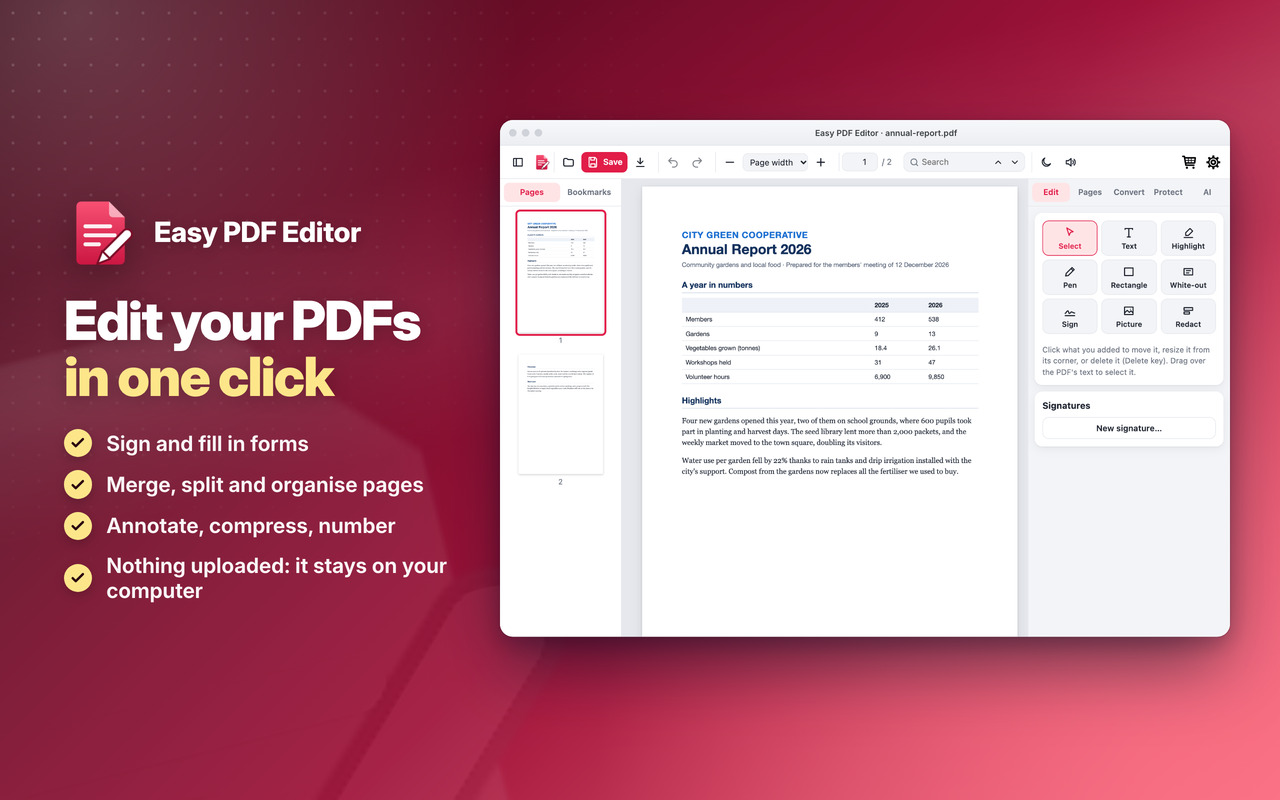
Easy PDF Editor 📌
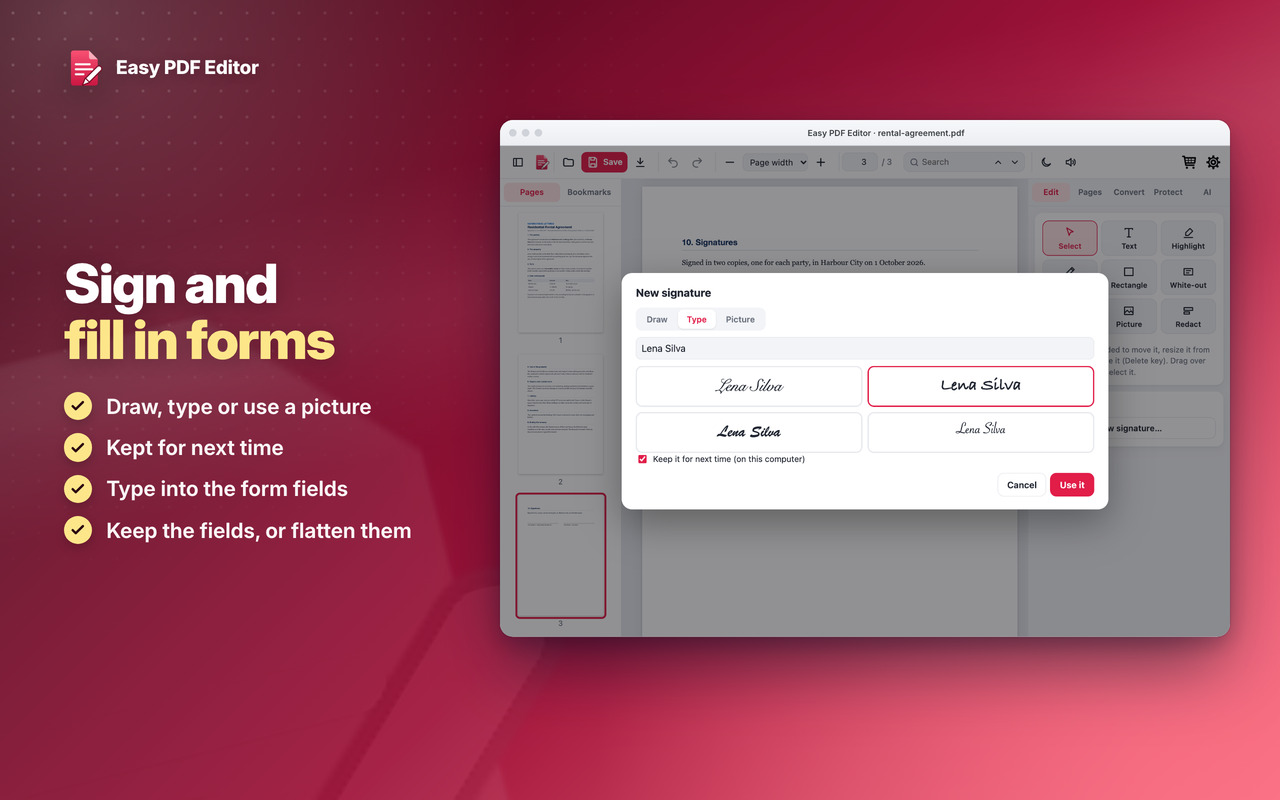
Sign and fill in forms ✍️
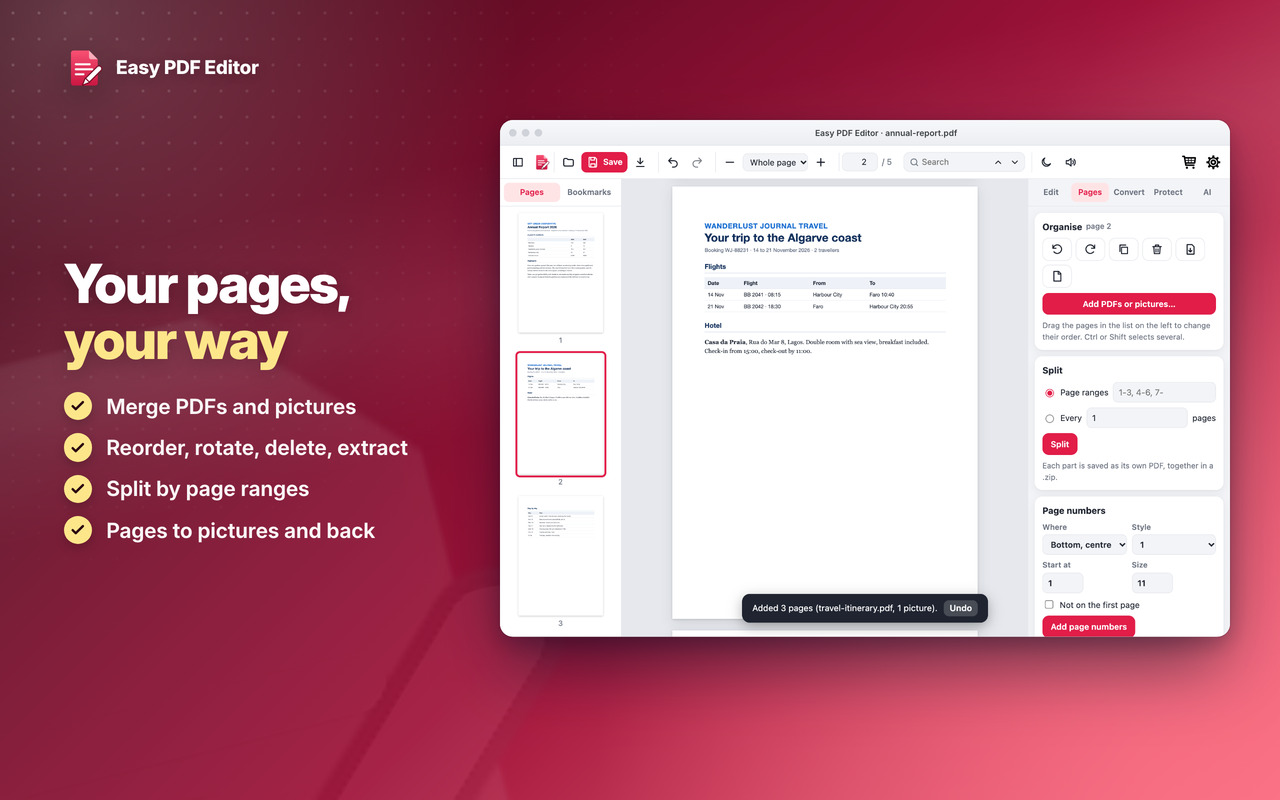
Pages your way 🧩
Private 🔒
Sign a contract, fill in a form
Your pages, your way
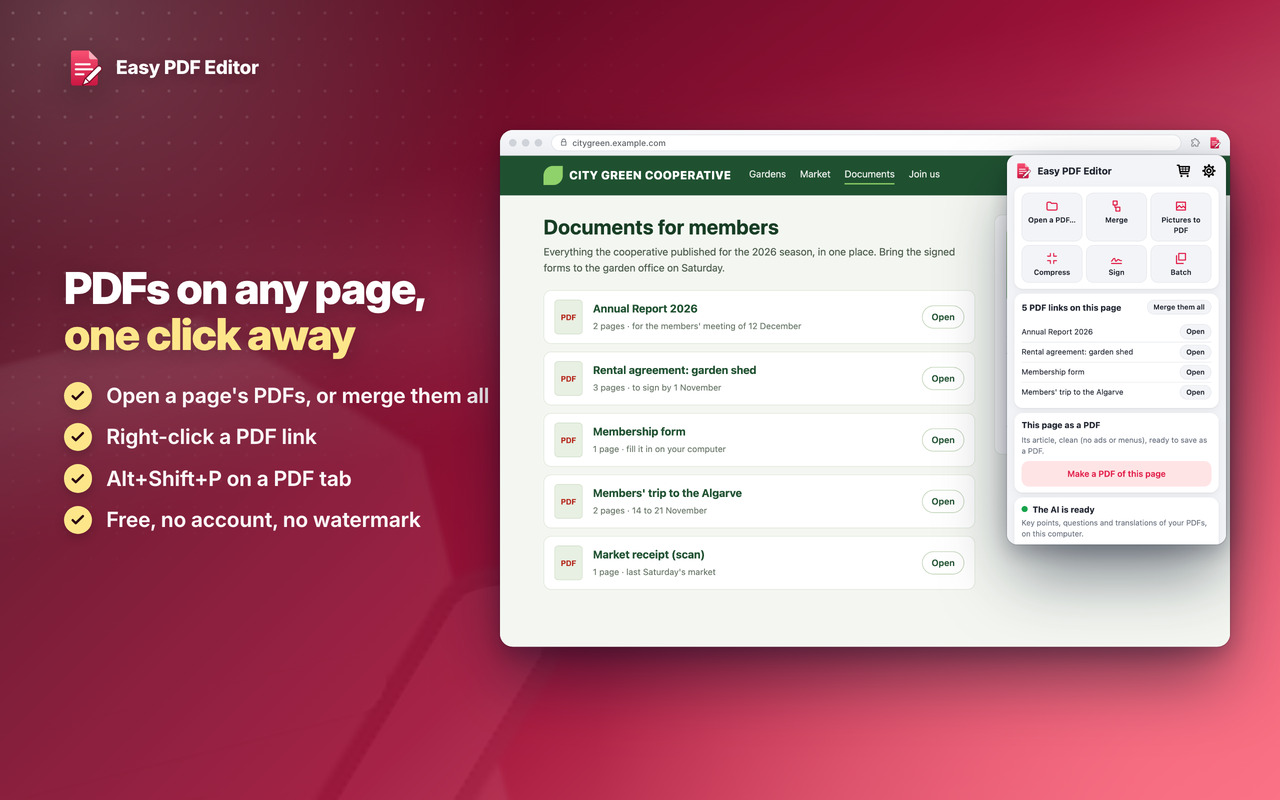
PDFs on any page, one click away
Download
Easy PDF Editor
Two levels, in all our extensions: Premium Level 1 is free with any 3 of them installed, Premium Level 2 is €20 a year or €50 once.
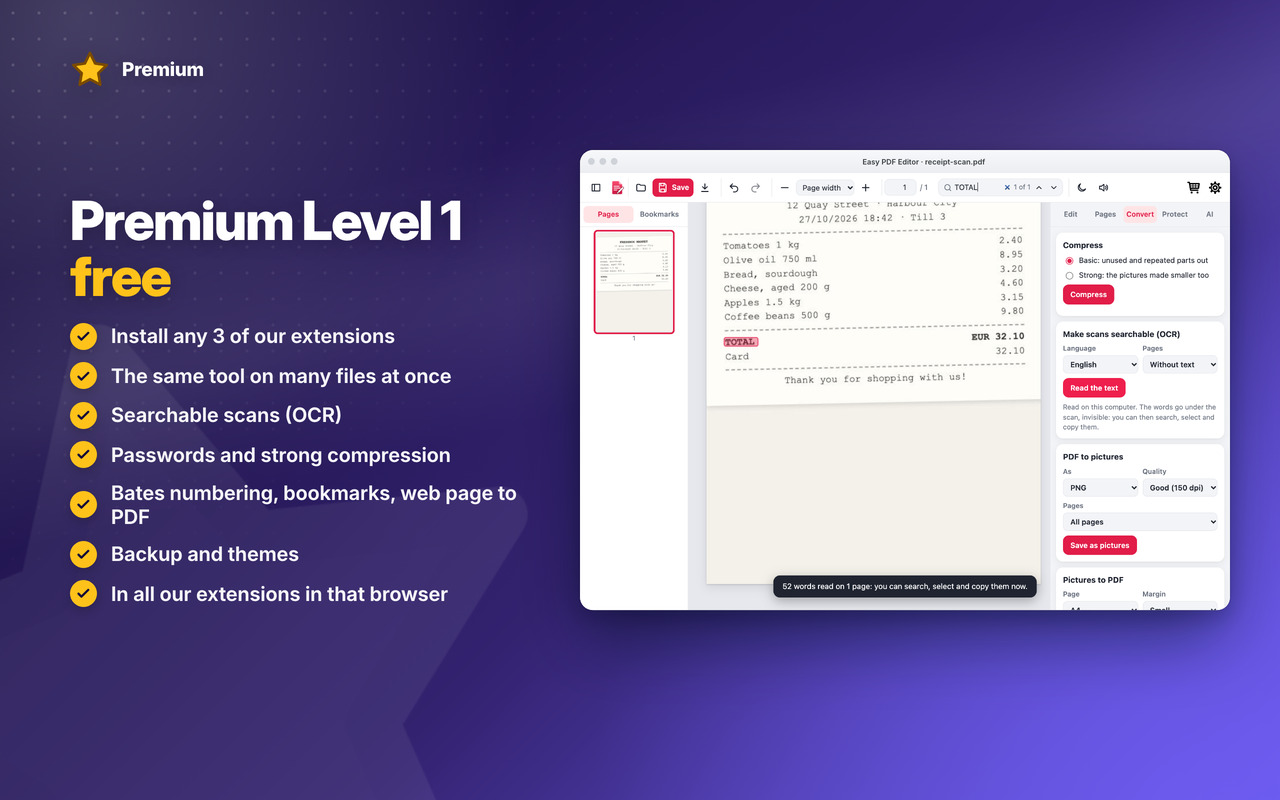
Premium Level 1 · free
With any 3 of our extensions installed, in that browser:
- Batch
- Strong compression
- Passwords
- Searchable scans (OCR)
- Bookmarks and document info
- Watermark presets
- Bates numbering
- Web page to PDF
- Ask this PDF
- Translate the whole document
- Backup & restore
- Themes
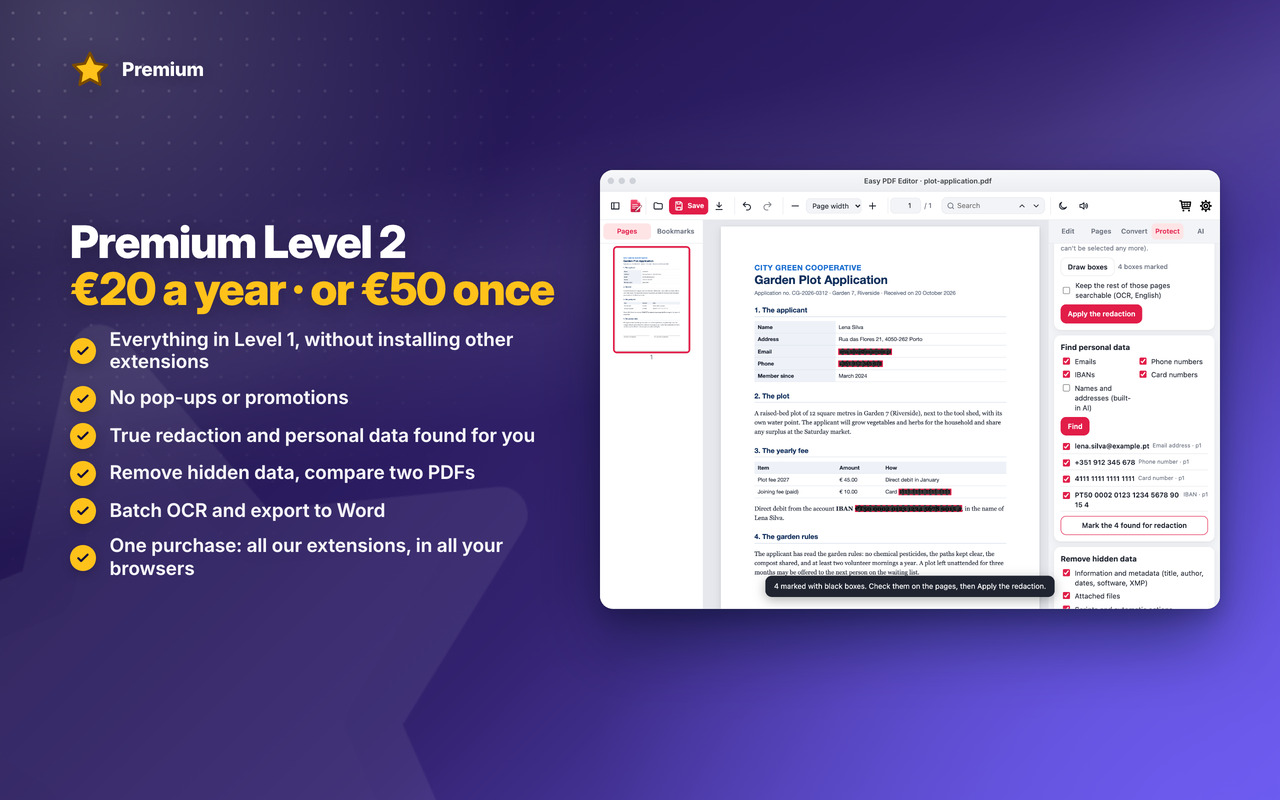
Premium Level 2 · €20 a year or €50 once
- Everything in Level 1, without installing other extensions
- No pop-ups or promotions
- True redaction
- Find personal data
- Remove hidden data
- Compare two PDFs
- Export to Word
- Batch OCR
- Premium in all our extensions, in Chrome, Edge and Firefox, with one purchase
- Early access to new features
- Priority support by email
- New Premium features included
Changelog
v1.2 31/10/2026
🎉 First version: read, sign, fill in forms, merge, split and annotate your PDFs, right on your computer, nothing uploaded
🧩 Pages: merge, split, reorder, rotate, delete and extract; pictures to PDF and pages to pictures
📉 Compress, page numbers and a watermark; save into the same file or download a copy
🌙 Dark reading mode and read aloud; it reopens at the last page you read
🔗 Right-click a PDF link: Open with Easy PDF Editor · Alt+Shift+P
⭐ Premium Level 1: many files at once, strong compression, passwords, searchable scans (OCR), web page to PDF, Bates numbering, bookmarks, backup, themes
👑 Premium Level 2: true redaction, find personal data, remove hidden data, compare two PDFs, batch OCR, export to Word