
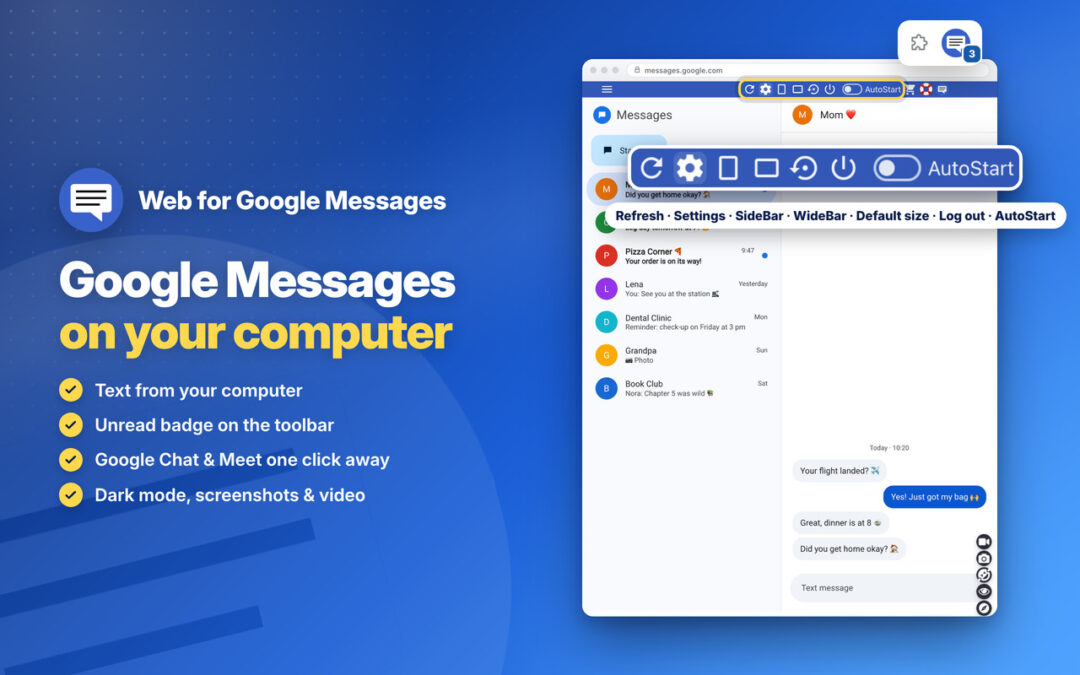
Typing long messages on a phone is slow, and picking it up every few minutes breaks your focus. If you have an Android phone, you can send and receive your text messages right on the computer, with a real keyboard.
This guide explains how Google Messages for web works, and how our free extension Web for Google Messages opens it in a window of its own, like a desktop app, in Chrome, Microsoft Edge and Firefox.
How Messages for web works
Google Messages is the texting app on most Android phones. Its web version mirrors your conversations on the computer: you pair the computer with your phone once, and from then on your texts and chats appear on both.
The messages still go through your phone, so it needs to be on and connected. To pair, you open Google Messages on the phone, choose the device pairing option in its menu, and scan the code shown on the computer.
What Web for Google Messages adds
Web for Google Messages opens Messages for web in a compact window, a click away from the toolbar, using the site’s mobile view: cleaner, and lighter on CPU, memory and network than a full tab. It is our own extension, not made by Google.
- Texts and RCS chats, group chats, photos and videos, emojis and reactions.
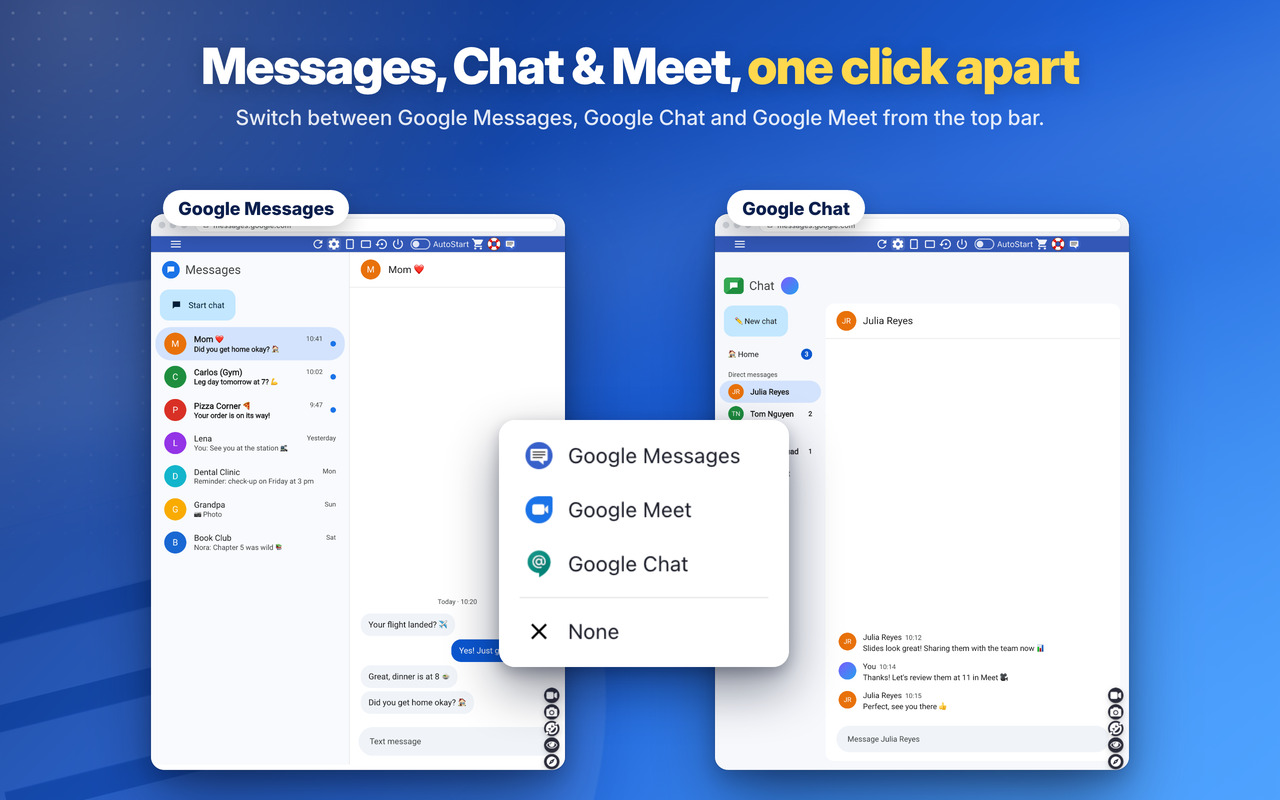
- Calls and video calls: Google Meet and Google Chat are one click away in the top bar.
- The badge on the icon shows your unread conversations.
- Smartphone Configuration: today’s steps to pair your phone.
- SideBar or WideBar in one click; a second window or two accounts side by side.
- Dark mode (automatic, on or off), nine skins, an emoji keyboard, a window screenshot and a short recording of the window.
- Incognito mode, auto-start with the browser, and right-click a link to open it there.
How to start, in three steps
- Add Web for Google Messages to your browser (the buttons are below).
- Click its icon and follow Smartphone Configuration to pair your phone.
- Pin the icon: the badge shows your unread conversations, so you know when to look.
Watch how it works:
Phone or computer?
| On the phone | On the computer | |
|---|---|---|
| Typing | Small screen keyboard | Your full keyboard |
| Photos and files | From the phone’s gallery | From your computer’s folders |
| Seeing new texts | Pick up the phone | The badge on the toolbar icon |
| Needs | The phone | The phone on and connected, paired once |
Questions people ask
Can I text from my computer?
Yes, with an Android phone and Google Messages: pair the computer once, then send and receive texts from the browser.
Does it work without my phone?
No. The messages go through your phone, so it has to be on and connected; the computer shows and sends them through it.
Is there a Google Messages extension?
Web for Google Messages opens Google Messages for web in its own window from the toolbar, in Chrome, Edge and Firefox. It is an independent extension.
Conclusion
Texting from the computer saves time and keeps the phone out of your hands while you work. With Web for Google Messages your conversations open in a light window of their own, with unread messages on the icon, free in Chrome, Microsoft Edge and Firefox.
More details are on its project page; see also what Premium adds.
Explore all our Chrome extensions, Edge extensions and Firefox add-ons.